AI SUMMARY
- Headline: Anthropic Claude Code redefines the command line with an active, autonomous terminal agent.
- Why it matters: Developers transition from copy-pasting code fragments to supervising plan-run-verify execution containers.
- Expert take: Vatsal Shah analyzes process parenting, sandbox isolation, and security compliance loops for enterprise teams in 2026.
Introduction: The Autonomous Terminal Shift
Claude Code is a stateful agentic Command Line Interface (CLI) tool designed to run directly inside the developer's terminal, enabling the model to autonomously read files, run tests, compile code, execute shell scripts, and commit staging blocks to repositories in a self-correcting loop. By moving the agent from the passive canvas of an IDE chat panel to the active execution space of the shell prompt, Anthropic has converted the LLM from a simple autocomplete assistant into a full-fledged terminal supervisor.
For developers, this marks a profound transition in the software engineering lifecycle. Instead of manually copying code snippets, compiling files, reading stack traces, and writing revisions, engineers describe their goal in natural language. The terminal agent takes control: it plans the work, writes files, compiles the code, evaluates trace outputs, runs test suites, stages changes, and submits pull requests, requiring human intervention only to approve high-risk actions.
Under the Hood: The Plan-Build-Verify Core Loop
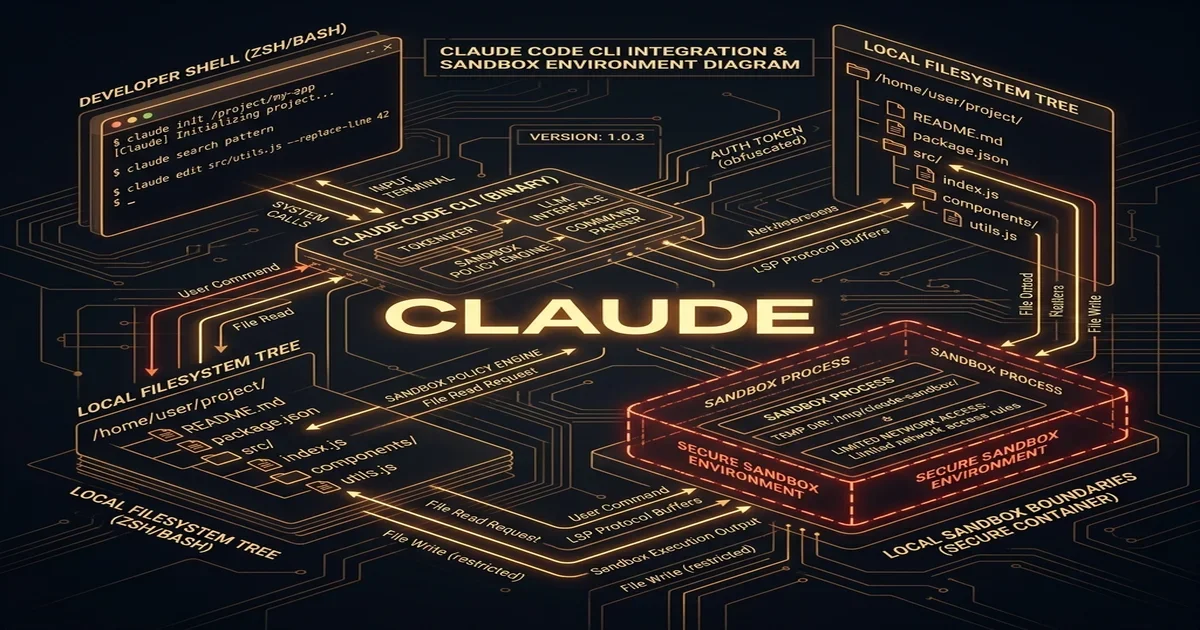
At its core, Claude Code operates by maintaining a stateful, bidirectional process loop. When a developer executes the claude command, the local operating system spawns a parent Node.js shell wrapper. This wrapper acts as the execution interface, handling environment inheritance, managing active tool registry bindings, and coordinating communication with Anthropic’s model backend.
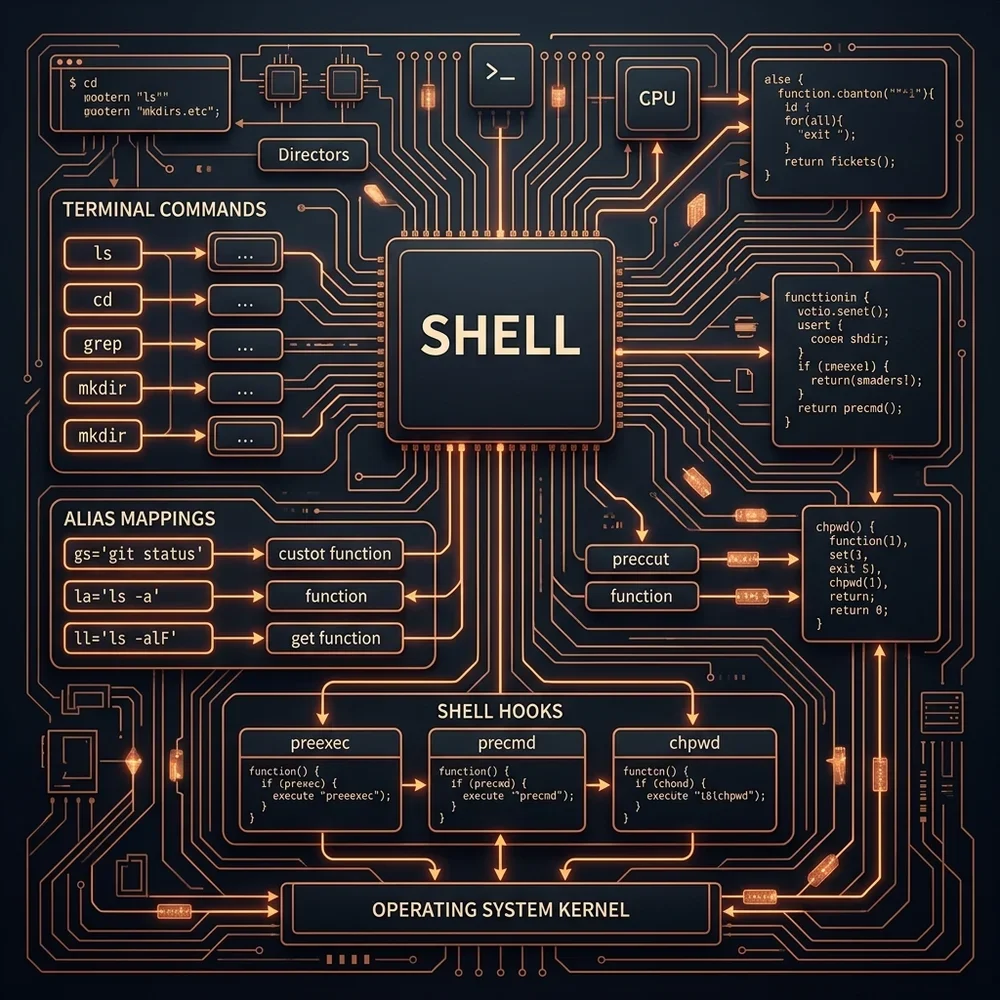
The execution process flows in a structured three-phase loop:
- The Plan Phase: The agent takes the user's prompt (e.g., "Fix the failing vitest files in the authentication module"), inspects the workspace directory structure, reads relevant files, and creates an internal dependency map of the tasks.
- The Build Phase: Using custom tool calls such as
write_fileormodify_file, the agent applies precise edits. It avoids replacing entire files by using structured search-and-replace blocks, saving context window space and minimizing token costs. - The Verify Phase: The agent executes local test runners (like Jest, PyTest, or Go test) in the terminal and parses the standard output (stdout) and standard error (stderr) logs. If a test fails, the agent reads the traceback, isolates the syntax or logic error, and restarts the loop to apply corrections.
Security Boundaries and Sandbox Containment
Running an autonomous agent with shell access inside an enterprise codebase presents substantial security challenges. If an agent executes arbitrary scripts without restrictions, a malicious package dependency could perform a prompt injection attack, tricking the agent into executing destructive commands or transmitting environment secrets to a remote server.
To counter these risks, Anthropic Claude Code is engineered around strict process containment boundaries:
- Namespace Isolation: Using container tools like Bubblewrap or systemd namespaces, the agent can be locked inside a read-only root directory, with write access limited exclusively to the active project workspace.
- Command Whitelisting: Administrators can restrict the commands the agent is allowed to execute. Destructive commands or outbound network utilities (like
curlorwget) are intercepted and blocked unless explicitly approved by the developer. - Outbound Tunnels: Tool interactions are routed through local proxy interfaces. This setup intercepts API calls, sanitizes sensitive parameters, and filters output responses to prevent data exfiltration.
By deploying these sandbox perimeters, enterprises can safely adopt terminal agents without exposing their wider network or infrastructure.
Strategic Enterprise Rollout
Deploying Claude Code across a large engineering team requires careful coordination. Organizations must configure their terminal profiles (such as Zsh plugins or PowerShell scripts) to ensure environmental consistency. Developers must also configure their prompt caching flags to control API costs, as re-sending large codebase contexts repeatedly will quickly exhaust token budgets.
For a complete, technical walkthrough on setting up process isolation, configuring shell profiles, managing prompt caching ratios, and writing custom tools for terminal agents, read the detailed operational guide: The Developer's Masterclass to Claude Code.